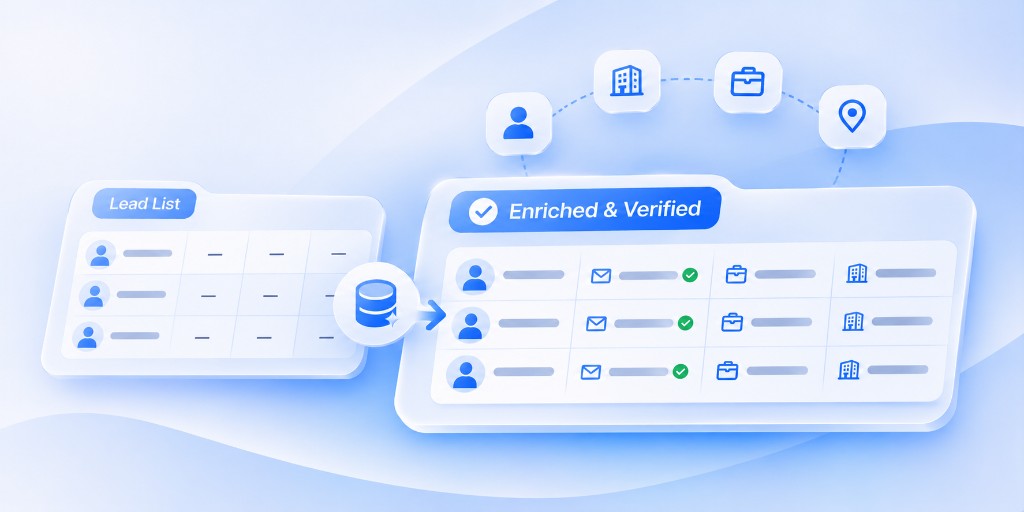
Quick answer: Lead enrichment is the process of adding and verifying missing information on your leads, such as job title, verified email, company size, industry and location, so your team can target the right people and personalize outreach. Good enrichment improves reply rates and protects your sending reputation; bad data does the opposite, no matter how big the list is.
Most sales teams think their problem is not enough leads. More often, the problem is that half the leads they have are wrong: outdated titles, bounced emails, companies that were never a fit.
This guide explains what lead enrichment is, which data actually matters, how to audit any list in under an hour, and what “good enough” data looks like.
What is lead enrichment?
Lead enrichment means taking a basic lead record, often just a name and a company, and filling in the details your team needs to decide whether and how to reach out. It also means checking that the information is still accurate.
It is different from lead generation. Lead generation finds new names. Lead enrichment makes the names you have usable.
What data should you enrich?
Focus on the fields that change who you contact or what you say. Everything else is nice to have.
| Data type | Examples | Why it matters |
|---|---|---|
| Contact data | Verified work email, phone, LinkedIn URL | Reaching the right person without bounces |
| Role data | Job title, seniority, department | Knowing if they can buy or influence |
| Firmographic data | Industry, company size, revenue range, location | Matching against your ICP |
| Technographic data | Tools and platforms the company uses | Relevance and integration fit |
| Timing signals | Hiring, funding, expansion, leadership changes | Knowing when to reach out |
| Relationships | Other contacts at the same company | Multi-threading into an account |
Start with contact, role and firmographic data. Add timing signals once the basics are clean.
Why bad lead data quietly kills campaigns
Bad data does more damage than most teams realize:
- It hurts deliverability. Every bounce and spam complaint tells Gmail and Outlook your mail may be unwanted. Too many, and even good emails stop reaching inboxes. (See our 2026 sender rules checklist.)
- It breaks personalization. Congratulating someone on a role they left a year ago is worse than not personalizing at all.
- It wastes rep time. Every minute spent on a poor-fit lead is a minute not spent on a good one.
- It distorts your numbers. Low reply rates may be a data problem, not a messaging problem.
How to verify B2B leads: a one-hour list audit
Run this audit on any list before it goes into a campaign, especially exports from data providers or purchased lists.
- Remove duplicates. Same person, different spellings or emails.
- Check name-to-email matches. Flag records where the email clearly belongs to someone else.
- Filter against your ICP. Remove companies outside your target industry, size or location. Mixed sub-industries in one export are common.
- Verify emails. Run the list through an email verification tool and remove invalid and risky addresses.
- Flag role and catch-all addresses. Generic inboxes like info@ or sales@ rarely reply to cold outreach.
- Spot-check titles. Check 10–20 records against LinkedIn to see how current the data is.
- Mark unknowns clearly. If a field cannot be confirmed, leave it as N/A rather than guessing.
If more than a small share of your spot checks fail, treat the whole list as suspect.
What does good lead data look like?
A practical standard for small B2B teams:
- 85–90% or more of records verified before they enter a campaign
- Explicit N/A beats invented data. A blank field is honest. A guessed field leads to wrong outreach.
- Every lead matches your ICP, or it does not go in
- Bounce rates kept low on every send; if bounces spike, pause and re-verify
This is the standard we hold ourselves to at RevWyze. A list of 500 verified, ideal-fit leads will outperform a list of 5,000 unchecked ones.
Manual vs automated enrichment
| Manual enrichment | Automated enrichment | |
|---|---|---|
| How | Reps research each lead on LinkedIn and company sites | Software looks up and verifies fields at scale |
| Speed | Slow; minutes per lead | Fast; thousands of records |
| Accuracy | High on small lists, inconsistent at scale | High if sources are good and results are verified |
| Best for | Top accounts and high-value deals | Building and maintaining full prospect lists |
Most teams combine both: automate the bulk and have reps review their highest-value accounts by hand.
How to keep your CRM data clean
Enrichment is not a one-time project. Contact data decays as people change jobs and companies change. Build these habits:
- Re-verify active lists before every major campaign
- Update records when emails bounce or replies say someone has left
- Enrich new leads as soon as they enter your CRM
- Review your ICP filters every quarter
How RevWyze helps
RevWyze’s Enrichment fills in and verifies lead details, groups contacts as sub-leads under their company, and flags records that do not match your ICP. You can import leads from a CSV, an image or a document, and Wyzer handles the research while your team reviews the results before any outreach begins.
Frequently asked questions
What is lead enrichment?
Lead enrichment is adding and verifying missing details on lead records, such as job title, verified email, company size and industry, so sales and marketing teams can target and personalize outreach accurately.
What is the difference between lead enrichment and lead generation?
Lead generation finds new prospects. Lead enrichment improves the information on prospects you already have, making them usable and accurate.
How do I verify B2B leads?
Remove duplicates, check name-to-email matches, filter against your ideal customer profile, run emails through a verification tool, flag role addresses, and spot-check titles on LinkedIn.
How accurate should lead data be?
Aim for 85–90% or more of records verified before a campaign. Mark unconfirmed fields as N/A instead of guessing.
How often should I enrich my CRM data?
Enrich new leads when they enter your CRM and re-verify active lists before each major campaign. Contact data changes constantly as people switch roles.